 Inkaret
It writes. It doesn’t watch.
Nothing is read while you type and nothing gets underlined. Inkaret looks at your text only when you click the pen and ask.
Type a few rough notes in any language, or a mix of two. Inkaret writes the full message, right in the box you are typing in.
Free during the beta. Works in Gmail, WhatsApp Web, LinkedIn and anywhere else you type, in any language.
Works in the language you think in
Not a grammar checker
Nothing is read while you type and nothing gets underlined. Inkaret looks at your text only when you click the pen and ask.
Write notes in one language and get the message in another. Or stay in yours: by default every sentence comes back in the language it was written in.
Passport, tax ID, bank, card and phone numbers are hidden before the AI sees your text, then put back in the result.
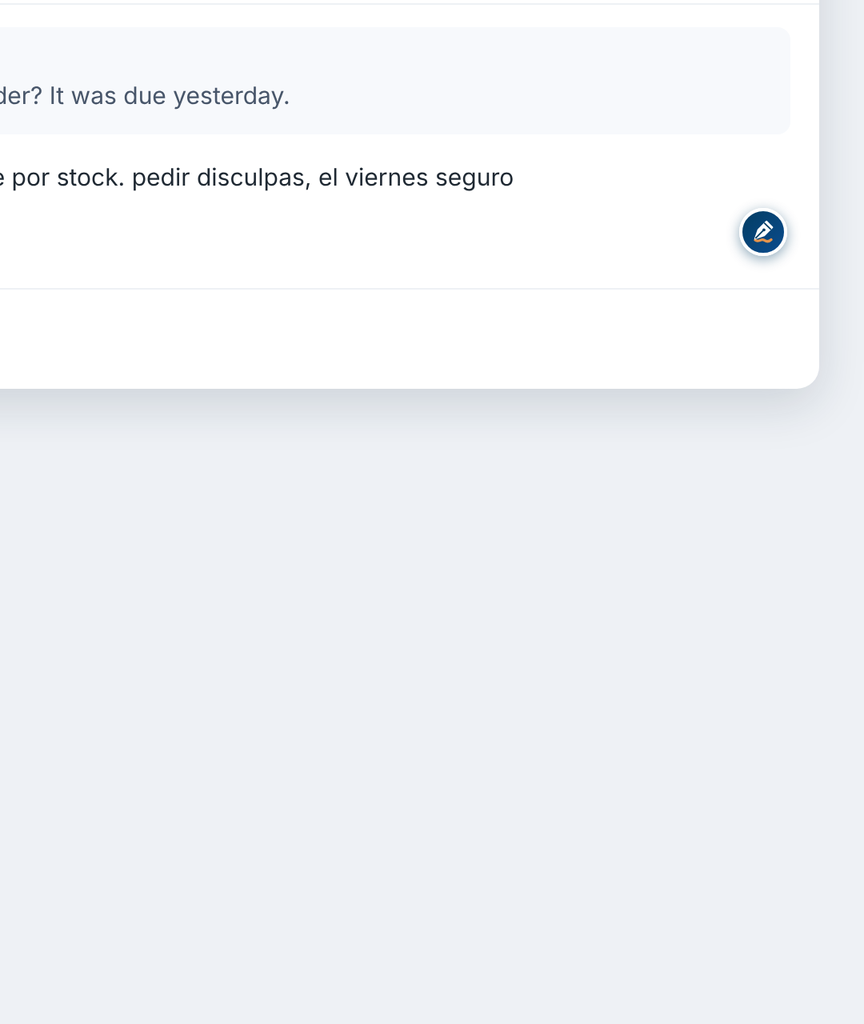
It sits in the corner of the message box in Gmail, WhatsApp Web, LinkedIn and most other sites.
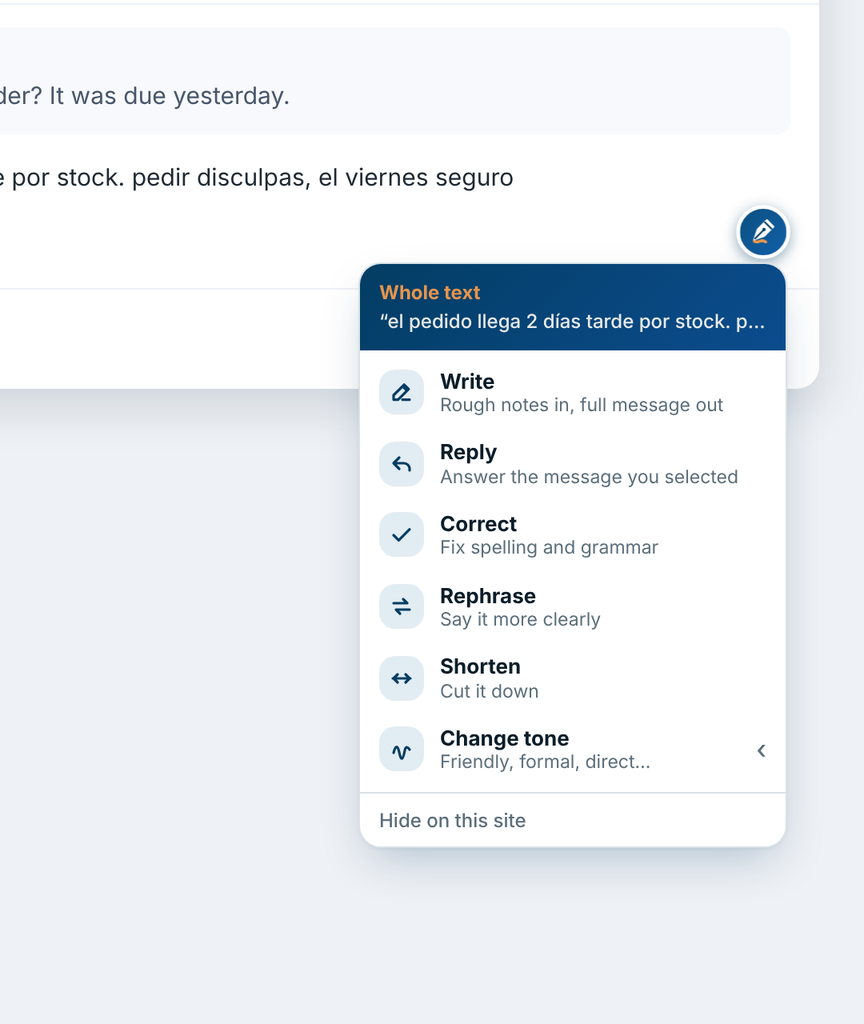
Write from your notes, reply to the message you selected, or fix, shorten and change the tone of what you wrote.
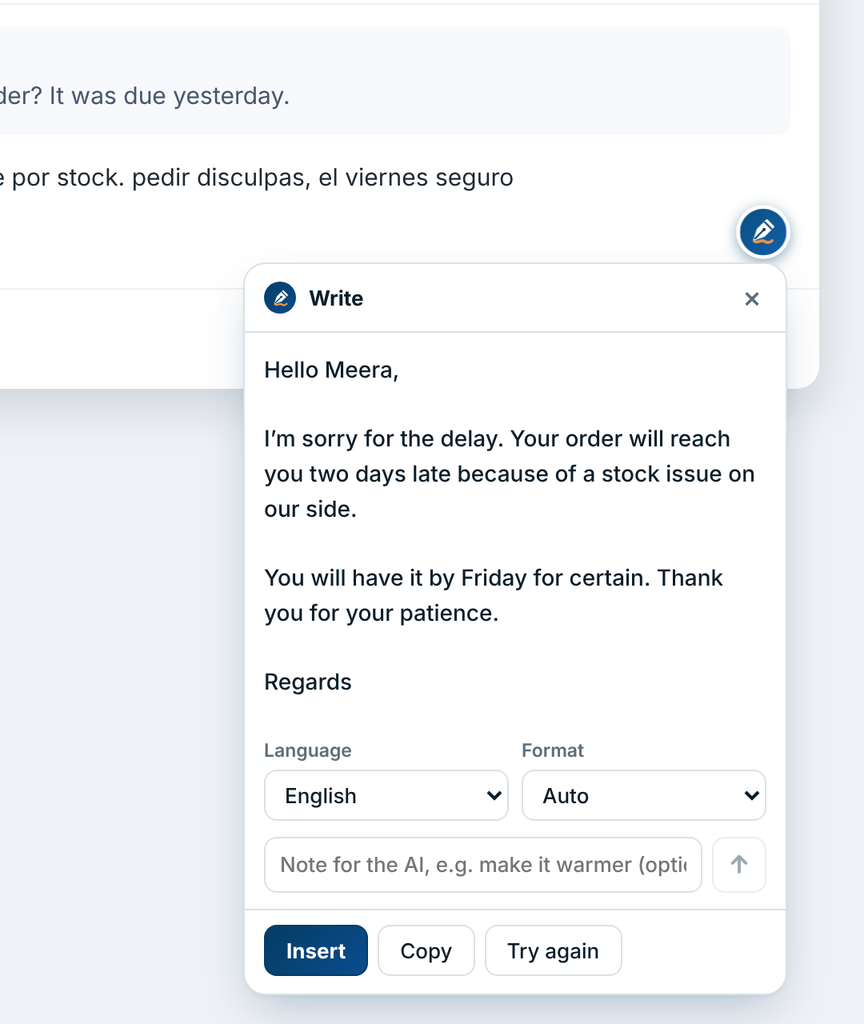
One click puts the result in your message. Not quite right? Add a note, or select one sentence and redo only that.
Chrome is ready today. The desktop and mobile apps are being built, and they will use the same account.
For Mac, Windows and Linux. The pen follows you into Mail, Word, Slack and every other app, with a keyboard shortcut for the rest.
For Android and iPhone. An Inkaret keyboard, so it works in WhatsApp and every other app on your phone.
A doctor and a shop owner should not get the same sentence. Pick your work once and every result follows it.
Before your text goes to the AI, Inkaret swaps private details for placeholders. The real values are put back only in the result you see.
Your text exists on our server only while your request is being answered. We keep a count of uses, never the words.
Inkaret reads a message box when you click an action. It does not follow your typing, and it never opens password or card fields.
Numbers with a known shape are caught. People’s names are not, so they are sent as you wrote them.
Inkaret is invite-only for now. Sign in and ask for a place. Your account opens up as soon as you are approved.
Any language you can type. By default the result comes back in the language you wrote in, including mixes of two languages. To get a different language, pick it from the list: Arabic, Bengali, Chinese (Simplified), Chinese (Traditional), Dutch, English, Filipino, French, German, Greek, Gujarati, Hebrew, Hindi, Hinglish, Indonesian, Italian, Japanese, Kannada, Korean, Malay, Malayalam, Marathi, Persian, Polish, Portuguese, Punjabi, Romanian, Russian, Spanish, Swahili, Swedish, Tamil, Telugu, Thai, Turkish, Ukrainian, Urdu, Vietnamese. Results are strongest in widely used languages.
No. Inkaret reads the text in a message box only at the moment you click an action. There is no live checking and no underlining.
To the Inkaret server, which hides private numbers, and then to an AI provider that writes the result. Neither the text nor the result is stored by Inkaret. The privacy policy has the detail.
Any site with a normal message box, including Gmail, WhatsApp Web, LinkedIn, Outlook and most support and CRM tools. You can switch it off for any site.
Yes, during the beta, within a fair daily limit. Paid plans will come later and will be announced on the pricing page before anything changes.
They are being built after the Chrome extension. There is no date yet; beta members will hear first.